

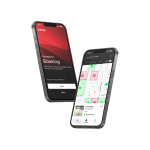





Biamp Workplace
The Next Evolution In Workplace Management.
The Next Evolution In Workplace Management.
Transform your workplace management with Biamp Workplace, the cloud-based platform that unifies AV control, space scheduling, and resource management in one powerful solution.
Power Meets Simplicity
- Remote AV device control and monitoring
- Seamless room and desk booking with parking management
- Real-time alerts and system health tracking
- Secure cloud access from anywhere
Enterprise-Grade & Future-Ready
- Scales from single office to global deployment
- Advanced analytics and utilization reporting
- SSO authentication and role-based access
- Multi-organization support
This solution is perfect for IT teams, facility managers, and AV integrators who demand efficient, data-driven workplace management. Elevate your workspace experience with Biamp Workplace.
This solution is perfect for IT teams, facility managers, and AV integrators who demand efficient, data-driven workplace management. Elevate your workspace experience with Biamp Workplace.
Key Features
- All-in-one cloud platform integrating AV control for Biamp devices, room scheduling, and resource booking with real-time management dashboard
- Device management and monitoring support for a wide range of Biamp devices, including Evoko Naso, Evoko Kleeo, Tesira Forté and Forté X, Tesira AMP, Tesira XEL, Tesira LUX, and Devio SCX
- Remote device control with secure firmware updates, system reboots, and configuration from anywhere via web interface
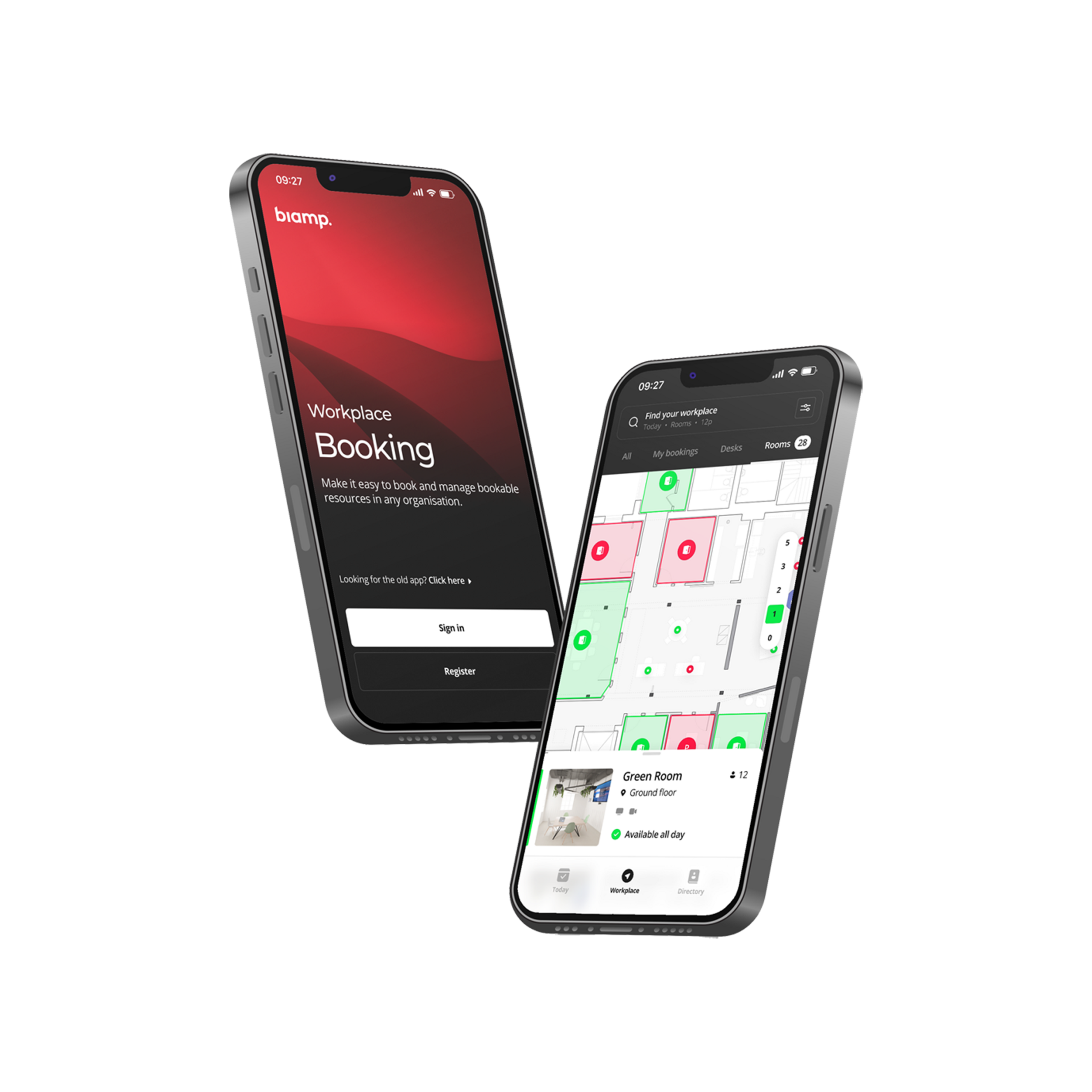
- Smart booking system with mobile app for seamless room, desk, and parking reservations
- Real-time monitoring with automated alerts, system health checks, and device status tracking
- Enterprise-grade security featuring SSO integration, role-based access controls, and multi-organization support
- Comprehensive analytics delivering space utilization metrics, device performance data, and exportable business intelligence
Create a Biamp Workplace Account
Creating and registering a new account on the Biamp Workplace portal is a free and simple process.
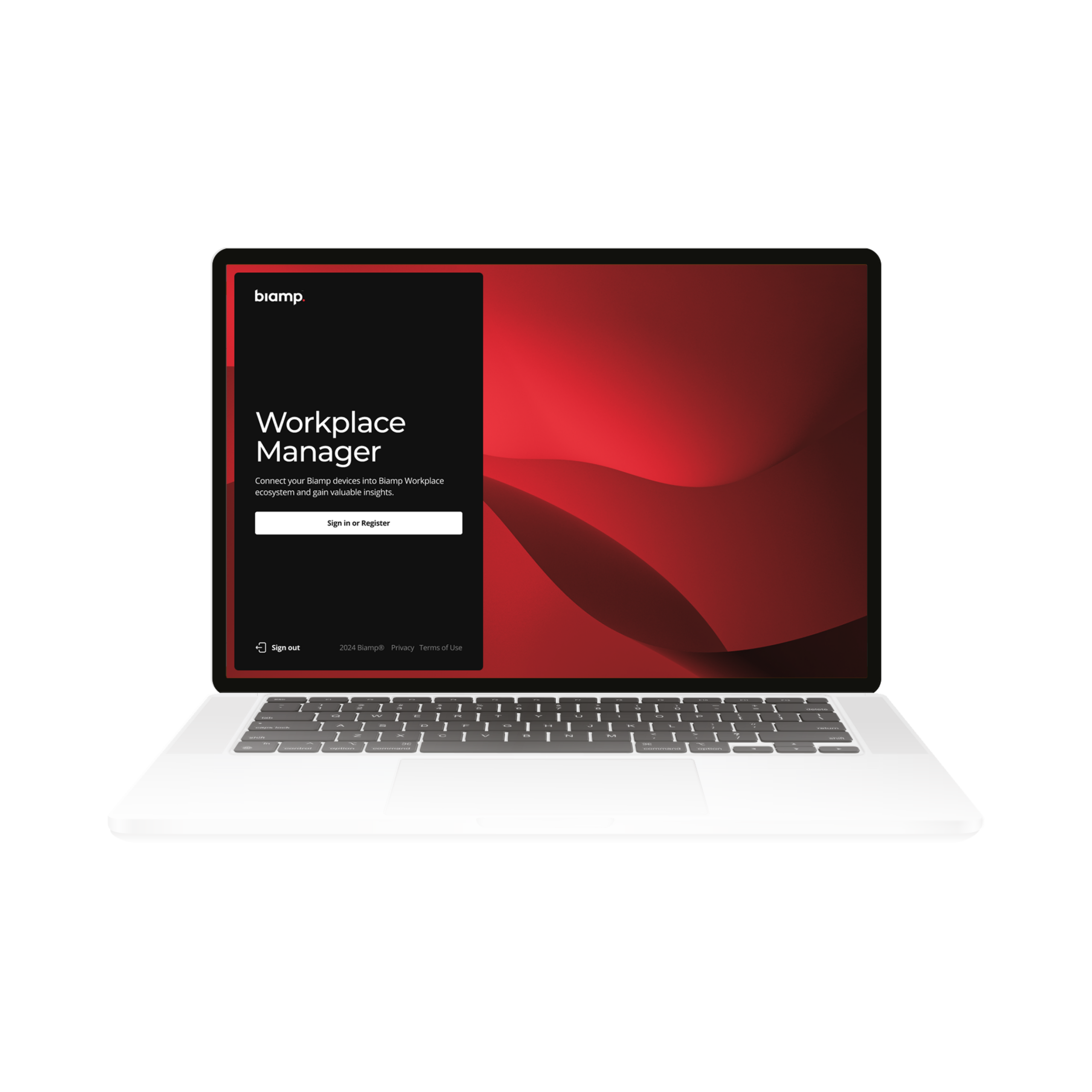
1. Go to Biamp Workplace portal: workplace.biamp.app
2. Click on the Sign In or Register buttons.
3. You will then have three options to register a new account:
- Use an existing email address and a new password you create for the account
- Register an account using an existing Google identity
- Register an account using a Microsoft identity
4. Verify the code sent to to email address or Identity you provided.
5. Optional 2-factor authentication: You will be given the option to set up 2-factor authentication for your account using one of the options below. Biamp strongly recommends setting up 2-factor authentication to help keep your Workplace account secure.
- An authenticator app such as Google or Windows Authenticator or Authy
- A device-specific authentication feature such as FaceID, Window Hello, or fingerprint verification.
Next step: You can now sign in to create and populate organizations with locations, floors, rooms, and then add devices to manage. For instructions on these steps, please continue to Step 2: Create an Organization.
View all Workplace support articles here.
Learn more about managing customer licenses on the Workplace License Manager Portal